Your assistant, working the way your team works
Commands for planning, building, reviewing, repairing and publishing, each one handing the work to the specialist it belongs to — and each one with a short list of things it will not do to your project.
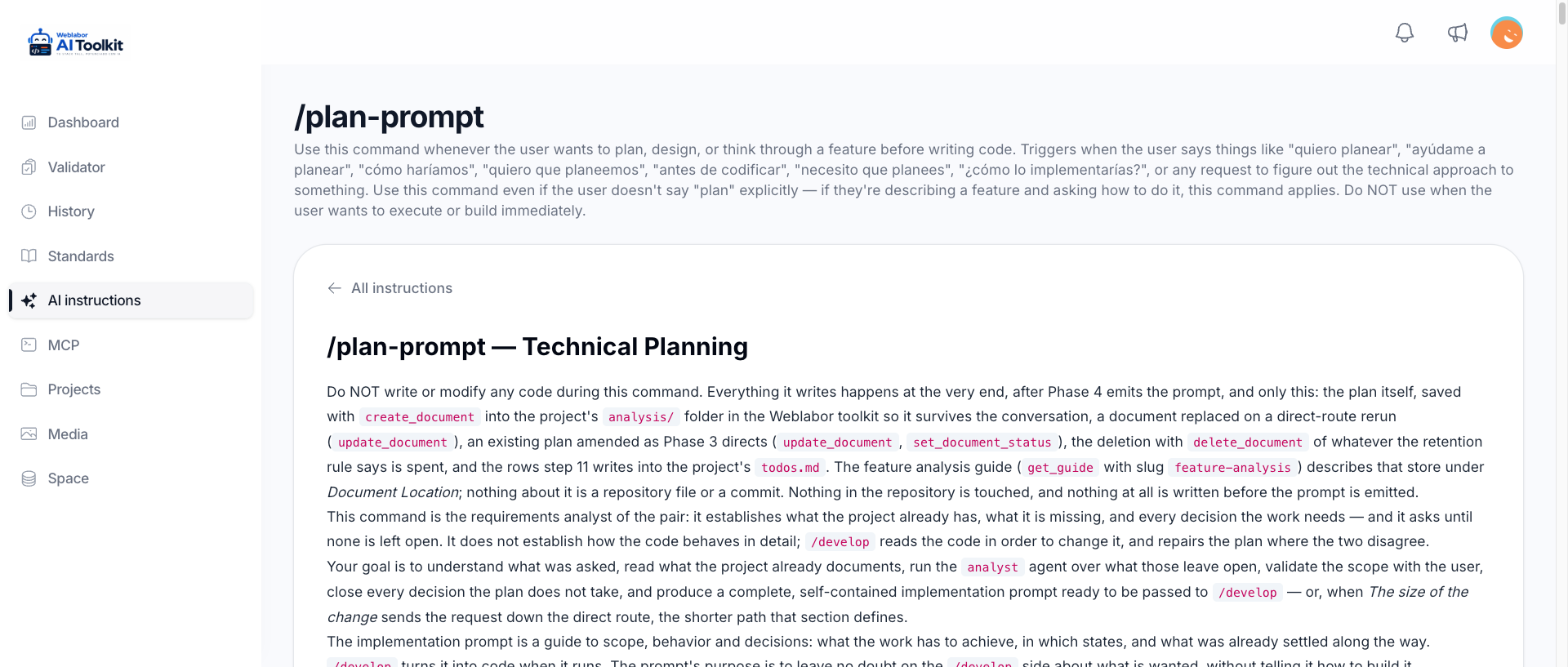
A command for each kind of work
Planning, building, reviewing, cleaning up, repairing, documenting, quoting. You describe what you want in your own words and the one that fits starts, instead of every task beginning from a blank prompt.
What each command does →Ask in your own words
Say what you want, where you want it, and whether something is broken. You do not have to name a file or a command: the request is read against your project, and you are asked only what the code cannot answer.
How do I ask for a change →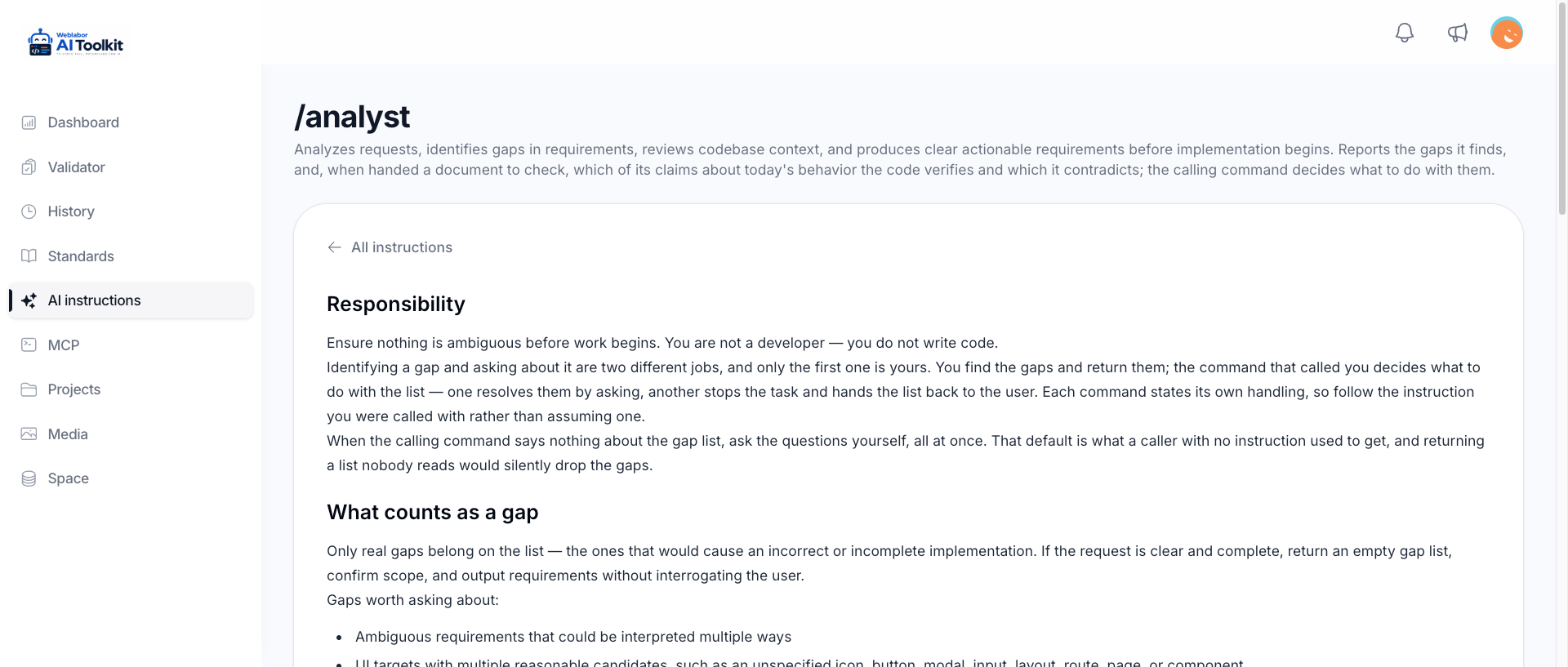
The specialists behind each command
A command does not do everything itself. It hands each part to the agent that owns it: the one that pins down the requirements, the one that writes the code, the one that reviews it against the standards, the one that looks at the interface.
Who does what →The same route from an idea to a commit
Every task travels the same way: what is being asked, what it touches, what proves it works, what gets committed. Two developers with two assistants end up with the same shape of work.
How a task travels →Each kind of change takes its own route
A label that reads wrong is built straight away; a feature with decisions in it is planned first. You can tell in advance where your request is going to stop and ask you something.
Which route your change takes →Decide the approach before any code is written
Planning ends in a prompt the build step executes, with the scope, the states and the decisions already settled — while they still cost a conversation instead of a rewrite. A change you will see comes with a drawing of the screen as it is today and as it would look, so you approve the design before anything is built. Before you are asked, the plan is checked for every other place the same thing happens and for what whoever builds it would still have to ask, and each question comes with the answer it recommends.
Planning before building →Work through what was already planned
Plans that were agreed and left waiting get built and verified without anyone standing by, and each one is left saying where it got to. A question only you can answer is written into the plan it concerns while the rest of the queue goes on, and a plan from /design-catalog is also reviewed against the catalogue and identity manual of your product. Nobody re-explains a task that was decided last week.
Run the queue with /next →Commands only your project has
Describe a routine your project repeats and your assistant turns it into a command of its own, saved in the toolkit rather than in the repository: the same on every branch and every computer, seen only by you, and run by name whenever you call it.
Write and run an internal command →Tidy a project without changing what it does
Cleanup works area by area in small groups, checks each group before moving on, and leaves what the product does exactly as it was.
Every guide to the commands and agents →Get a broken branch working again
After a merge, an upgrade or a copy from another project, the repair flow compares against something known to work and makes the smallest change that restores it, rather than rebuilding what was already fine.
Documentation written when the work ships
The publishing step writes what the next developer needs and what a user reads, so documentation stops being the thing everybody means to do later.
What a task finds is written down, not fixed on the side
A task that notices something it was not asked to fix names it and moves on. It is kept in one list per project, so what is worth doing next is still there when the conversation is over.
Pending findings →A defect goes to the repository that owns it
Code merged in from the repository your product descends from looks like your own. Before changing it, the run checks whose lines are wrong, so the fix lands where every product built on it receives it instead of being overwritten by the next merge.
Send a defect to the repository that owns it →Carry one goal across several repositories
When what you want needs changes in weblabor-base, weblabor-teams and your product, /coordinate asks until the goal leaves no doubt, writes the plan each repository needs and a last one that checks the goal in your product, and keeps watching every queue until it works — answering what blocks a plan and bringing each finished change down. It builds nothing itself and pushes nothing.
Coordinate a goal across repositories →It does not run a formatter over your code
Formatting belongs to whoever maintains the project. An assistant working with the toolkit makes the edit it was asked for and leaves the rest of the file untouched, so a small change stays a small change.
It does not destroy your database
No reset, no wipe, no full reseed over a working database, in any environment. When a clean database is genuinely needed, it makes a separate one and leaves yours alone.
It does not push, and it does not publish behind your back
Work is committed; sending it anywhere stays your decision. A changelog entry is only ever written standing on the main branch, so nothing announces itself before it is real.
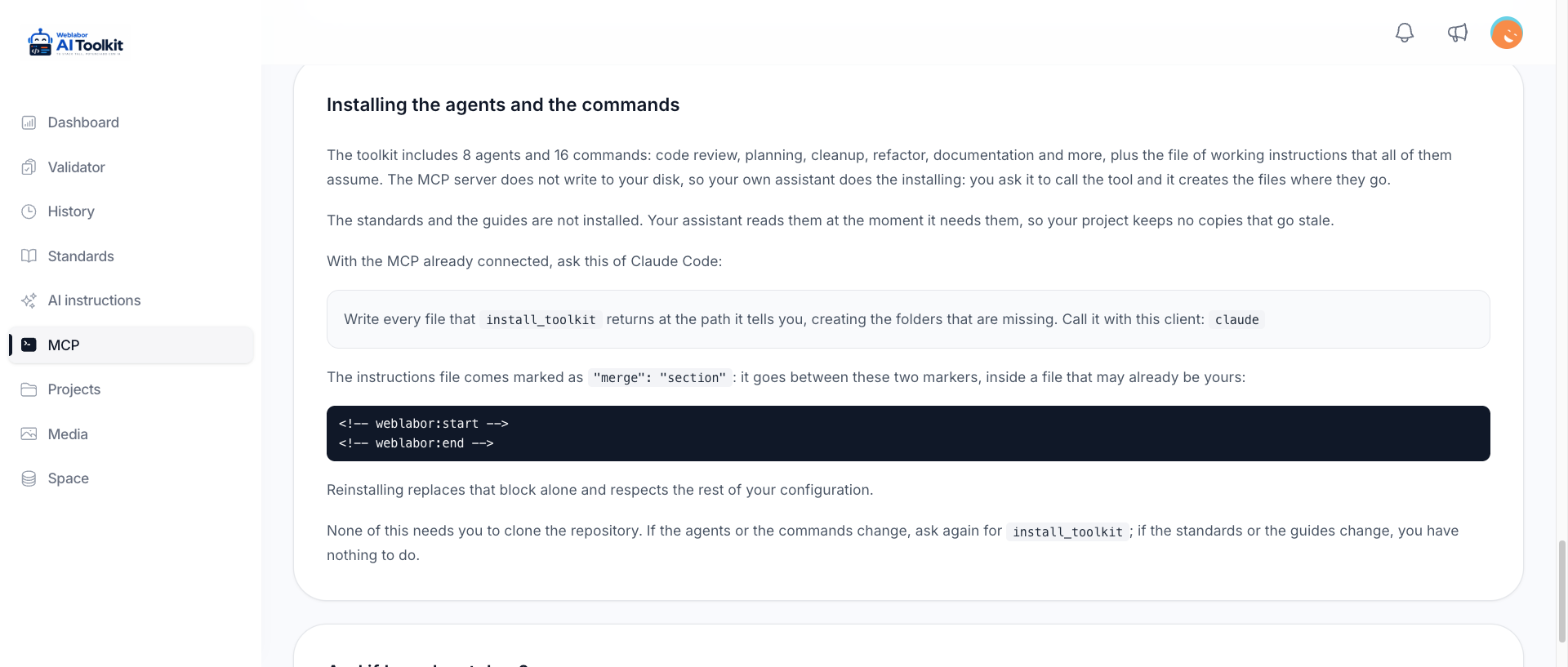
Install them once, in the shape your client expects
Ask your assistant to install the toolkit and it writes each agent and command where that client keeps them. When they change, ask again. The standards need nothing, because they were never copied in the first place.
How to install the toolkit →